Japan eSIM Guide: What to Check Before You Fly
You have the flight, the hotel and a list of places to eat. The phone setup is easier to leave until later, usually somewhere between baggage reclaim and finding the right train.
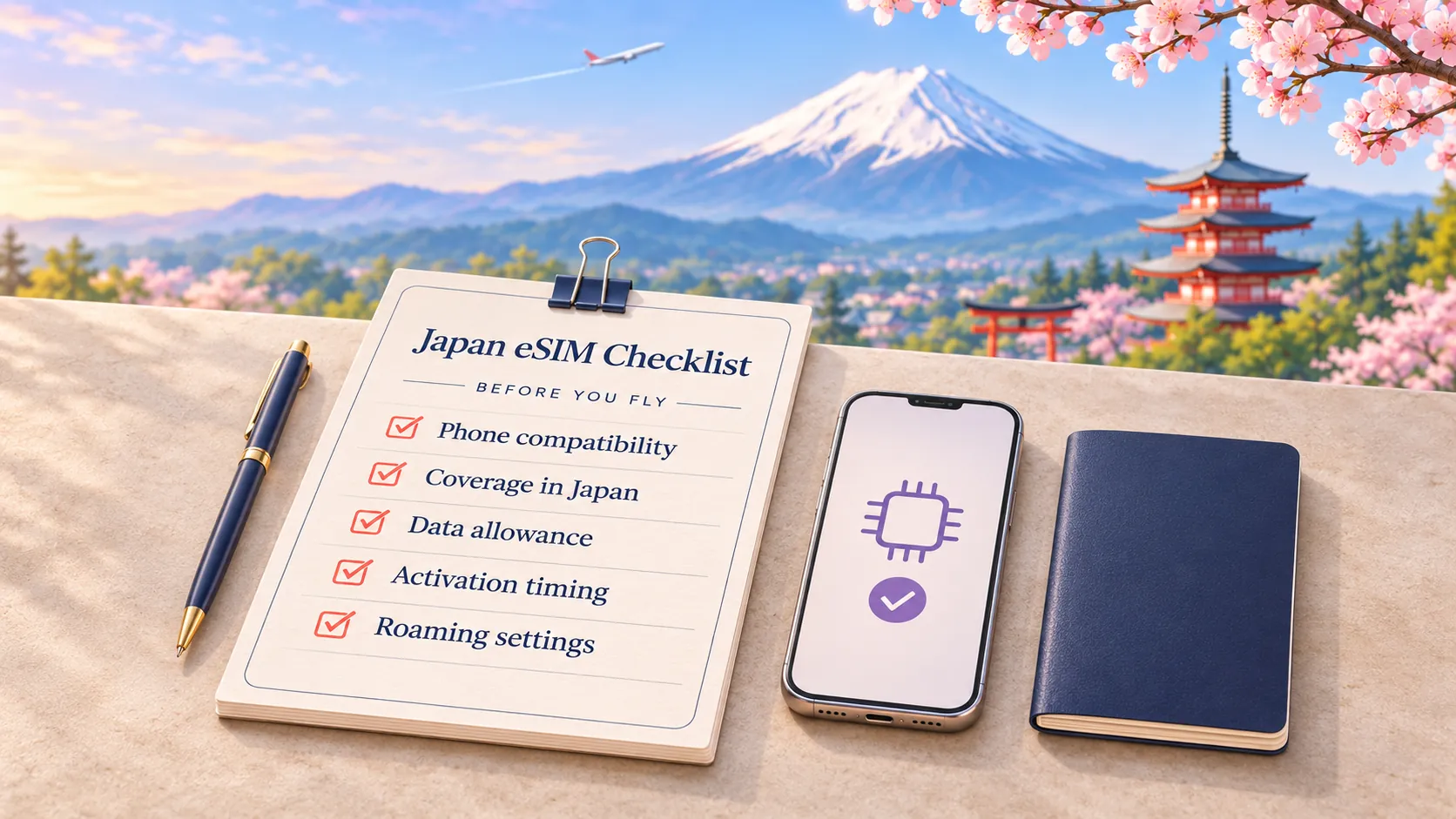
A Japan eSIM can take one job off that arrival-day list. Before buying, check that your phone supports it, the plan lasts for your whole stay and you understand when its validity starts. Then prepare your phone while you still have a reliable internet connection.
This guide walks through the decisions that matter before departure and the checks to make when you land. It also covers a useful limitation: downloading a map does not give you offline train directions.
1. Check your phone before choosing a plan
Your phone needs to be eSIM-compatible and unlocked. Those are separate checks: a phone can support eSIM but still be locked to its original carrier.
On iPhone, open Settings, then General, then About. Look for No SIM Restrictions beside Carrier Lock. Check the exact model and purchase region too, because eSIM availability can differ. Apple explains the requirements for using a travel eSIM.
For Android, check the manufacturer's instructions for your exact model, rather than relying on the phone's family name. Google's Pixel guidance, for example, includes model and carrier conditions for dual-SIM use.
Use the ElloSim compatibility guide before checkout. If your home mobile plan already includes useful data in Japan, compare that allowance first. You may not need a separate plan.
2. Match the validity to the trip
A smaller price is only helpful if the plan covers your dates. For a ten-day trip, a seven-day plan needs a second purchase or another arrangement for the remaining days, even if you still have unused data.
The ElloSim Japan plan page listed these fixed-data options when checked on 3 November 2026:
| Data | Listed validity | Listed price in USD |
|---|---|---|
| 1 GB | 7 days | $2.99 |
| 3 GB | 30 days | $3.99 |
| 5 GB | 30 days | $4.99 |
| 10 GB | 30 days | $7.99 |
These are selected examples, not the complete range. Prices and availability can change. Confirm the current total, coverage and activation rules for the exact plan before paying.
For the data allowance, think about what happens away from hotel Wi-Fi. Looking up a restaurant and sending messages is a different pattern from uploading videos or sharing a connection with a laptop. Our guide to mobile data for a seven-day trip helps you estimate that part without treating one allowance as right for everyone.
3. Read the activation rule before installing
Buying, installing and starting a plan are not necessarily the same event. Do not assume every eSIM starts when you arrive in Japan, or that every plan starts as soon as you scan its QR code.
Before installation, find three details in your selected plan and setup instructions:
- What starts the validity period.
- Whether there is a deadline to install or activate it.
- Whether you can install it before departure without starting that period.
If those details are unclear, ask support before scanning. ElloSim's current Japan page tells travelers to check the selected plan's start conditions; this guide does not promise one activation rule for every option.
When the instructions allow advance installation, do it somewhere with dependable Wi-Fi and time to troubleshoot. Save the setup email where you can find it, and label the line something obvious such as “Japan travel.” The ElloSim installation guide is a useful starting point, alongside the instructions supplied with your purchase.
4. Save the first journey properly
Before you fly, save your hotel's name and address in Japanese, its nearest station and the airport-to-hotel route you expect to take. Include any transfer stations and the exit nearest your accommodation. A screenshot of the route is often easier to use after a long flight than rebuilding the plan from memory.
Download the relevant map area if the app offers it, but keep its limits in mind. Google Maps does not provide public-transport or walking directions while offline. An offline map can help you orient yourself, but it does not replace a live train planner. Google explains what offline maps can and cannot do.
Download available language packs in your translation app while on Wi-Fi, then test the functions you expect to use. Google Translate supports downloaded languages for offline translation, but that is not a promise that every translation feature works offline on every phone.
Also save booking confirmations and move large app updates, entertainment downloads and photo backups to Wi-Fi. That preparation is useful even with a generous data allowance.
5. Choose the right data line when you land
Once you reach Japan, follow your plan's connection instructions. A sensible arrival check is:
- Turn on the installed Japan travel line.
- Select it as the line used for mobile data.
- Apply the data-roaming setting specified in its instructions. A travel eSIM may need roaming enabled on that line.
- Check the home line separately, including its data-roaming and automatic data-switching settings.
- Briefly turn Wi-Fi off and open a webpage to check that mobile data works.
On iPhone, the data-line selector is under Settings, Cellular, Cellular Data, although labels can vary by region. On Pixel, look under Settings, Network & internet, SIMs. Other Android phones use different menus. Follow the Apple travel guidance or Pixel dual-SIM instructions for your device.
Keeping your home SIM active does not make its calls, texts or roaming free. Check your home carrier's terms if you need that line for calls or verification messages. Turning off data roaming is not the same as turning off the whole line.
If the connection fails, first confirm the selected data line and the plan's settings. Try airplane mode briefly, then reconnect. Apple's roaming troubleshooting guide describes this check. Avoid repeatedly deleting and reinstalling the eSIM; contact support before removing it if you are unsure whether it can be installed again.
6. Decide whether sharing one connection fits your trip
An eSIM is convenient when each traveler wants an independent connection. If you split up for shopping or take different trains, you are not dependent on staying near one shared router.
Pocket Wi-Fi can still suit a group staying together, or someone whose phone cannot use the available eSIM plans. Factor in collecting and returning the device, keeping it charged and the rental's data conditions. Japan's tourism organization describes pocket Wi-Fi and other connectivity options.
If you plan to share your phone's connection instead, check hotspot permission on the exact eSIM plan. Do not assume that every fixed-data or unlimited option has identical hotspot allowances. Our fixed-data versus unlimited eSIM guide explains the conditions worth comparing.
Japan eSIM questions
Does a Japan eSIM include a Japanese phone number?
Not necessarily. The fixed-data ElloSim examples above are labeled data-only. Do not buy one expecting ordinary voice calls or SMS service unless the selected plan explicitly includes them. If a booking requires a Japanese number, arrange that separately.
Can I rely on airport Wi-Fi to set everything up?
Japan's major international airports offer free Wi-Fi in their terminals, according to JNTO. It is a useful backup, but preparing before departure leaves you less to do on arrival. Check your plan's activation rule before installing early.
Will a Japan-only eSIM cover a stop in South Korea?
Do not assume so. Check the destination list for the exact plan. For a two-country trip, compare separate country plans with a regional option that explicitly includes both destinations, along with its validity and total price.
Do I need unlimited data for Japan?
That depends on your usage, not the destination alone. Estimate your mobile use, include any hotspot sharing and compare the plan's actual conditions. “Unlimited” is not enough information on its own to judge speed limits or fair-use rules.
Get the phone ready before the suitcase
The useful preparation is simple: check compatibility, choose enough validity, read the activation rule and save the first journey offline. When you arrive, check the mobile-data line before leaving the terminal.
Ready to compare the options? Browse current Japan eSIM plans and choose the allowance and conditions that fit your trip.
More in Destination Guides

USA Road Trip eSIM: Check Coverage Before You Go
Check your USA driving route before choosing an eSIM. Learn what coverage maps can tell you, what to save offline and how to prepare for national park dead zones.

Europe eSIM with Calls and SMS: What Do You Really Need?
A restaurant phone call, a WhatsApp chat and a bank code need different things. Choose a Europe eSIM that supports the ways you actually need to stay in touch.

Japan eSIM vs Pocket Wi-Fi for Two Travelers
Traveling to Japan as a pair? Compare two eSIMs, one shared phone hotspot, and a rental pocket Wi-Fi by cost, independence, battery, and airport logistics.